User record: Permissions
Only two fields: the username and password this person uses to log in to their interface.
The two fields
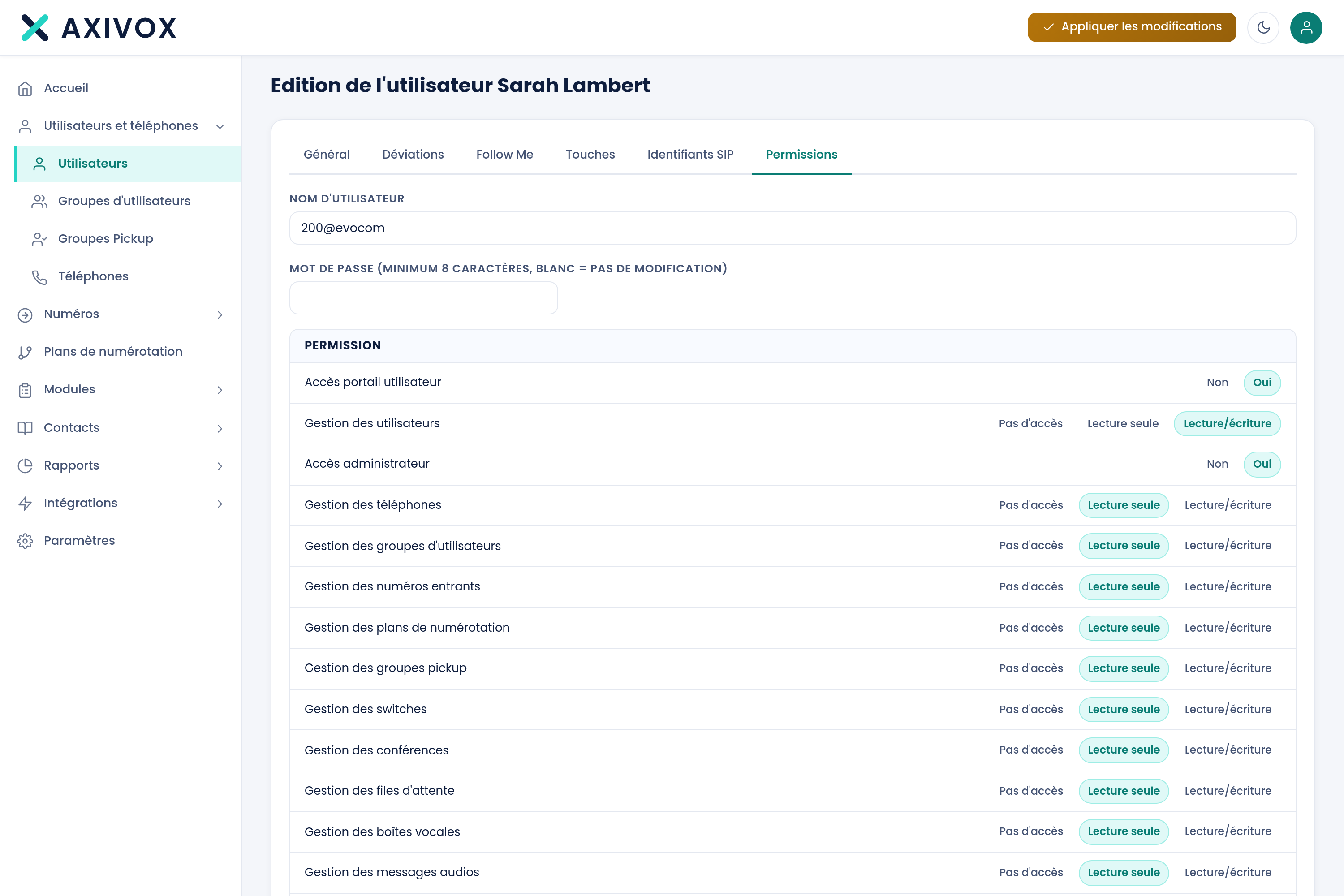
| Username | This person's login identifier |
| Password | Eight characters minimum. Left empty, it is not changed |
What an access is for
A user with a login can open their own interface: view their calls, listen to their messages, adjust their deviations. They only see what concerns them.
An extension without a login works perfectly well: it rings, it calls out. The person simply has no web access.
Changing someone's password
- Open their record, Permissions tab.
- Enter the new password, eight characters minimum.
- Save, then Apply changes.
- Share it with the person over a secure channel, and ask them to change it.
Everything you can set from your interface
See the features