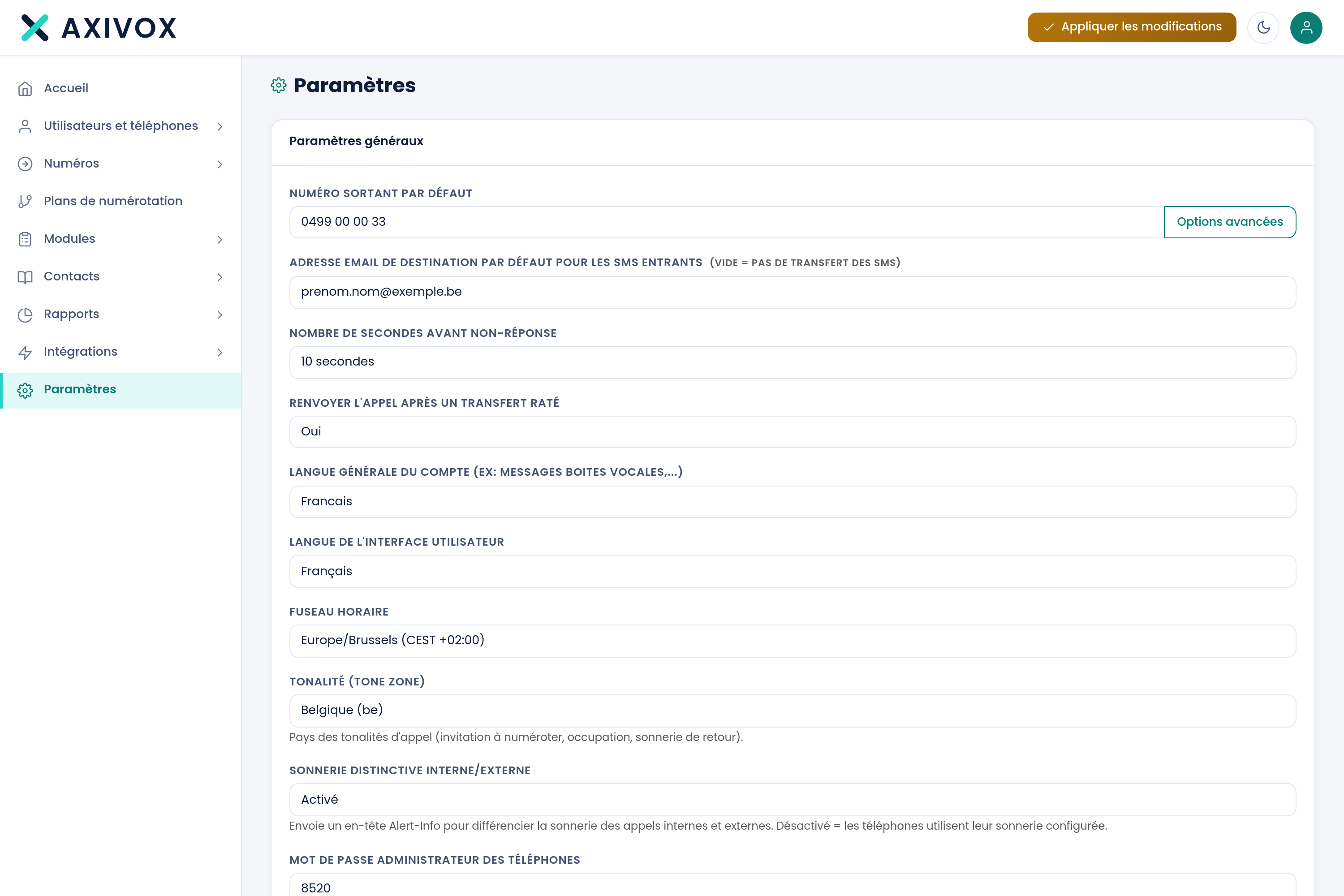
The settings that apply to your whole installation. Thirteen general settings, plus advanced options.
General settings
Your organization's settings
Default outbound number
The number shown by extensions that don't have their own
Default destination email address
Used when no specific address is given
Seconds before no answer
From 5 to several dozen seconds
Redirect the call after a failed transfer
Yes or No
Account's general language
French, English, or Spanish, for system messages
User interface language
French or English
Time zone
Over four hundred time zones. It determines the time shown in your reports
Tone (tone zone)
Forty countries. See below
Distinctive ringtone, internal/external
Enabled or Disabled
Phone administrator password
The access code for the devices' menus
Recording
Turns call recording on or off at the installation level
Two settings worth explaining
Advanced options
The Advanced options button reveals additional, numbered rules, each pairing a value with an outbound number. They serve special cases of number presentation.