What a dial plan looks like
An incoming call, a time condition, a queue during opening hours and voicemail outside them. Nine modules, and a complete greeting's routing is described.
- Each module has its fields and its outputs, nothing more
- The links between outputs are the whole language
Drop, connect, apply
A plan is built with the mouse: you take a module from the palette, drop it, connect its output to what comes next.
- No line of code, no language to learn
- As long as you haven't applied it, nothing changes
Five steps, and the routing is in place
You start from the Start module
Every plan begins there. It's the point where the call comes in, whatever its origin: an external number or another plan.
You drop the modules
A time condition, a menu, a queue, an announcement. Each module has its fields and its outputs, and nothing more to learn.
You connect the outputs
The “open” output of a time condition goes to the queue, the “closed” output to voicemail. That's the whole language.
You assign the plan to a number
An incoming number, an extension, a phone key: anything that can trigger a call can point to a plan.
You apply the changes
The plan only becomes real the moment you apply it. Before that, you can undo everything.
The complete catalogue, family by family
Every module is described here with its inputs, its outputs and what it expects from you. The user guide gives the screen-by-screen detail.
| Family | What it's for | The modules |
|---|---|---|
| Route (7) | Send the call to a destination | Start, Call, Queue, Dispatcher, Conference, Send to a trunk, Hang up |
| Decide (6) | Pick a branch based on a rule | Menu, Time condition, Switch, Multi-Switch, Access list, Digital receptionist |
| Speak and record (5) | Play, collect, trace | Play a file, Voicemail, Record, Caller ID, Notification |
| Advanced modules (8) | For custom setups | Variable, Condition (If), Switch / Case, DTMF entry, API request, Odoo, contact resolution, Odoo request, Debugging |
Your hours apply themselves. Nobody has to remember to flip a switch on Friday evening any more.
Route the call on a customer code
A few digits typed on the keypad, an API call, an Odoo request: the plan keeps the answer in a variable, and sends the call wherever that variable points.
- Three sources: the keypad, an API, an Odoo request
- The answer is kept as a variable for the rest of the path
- An overdue invoice goes to accounting, a key account to its sales rep
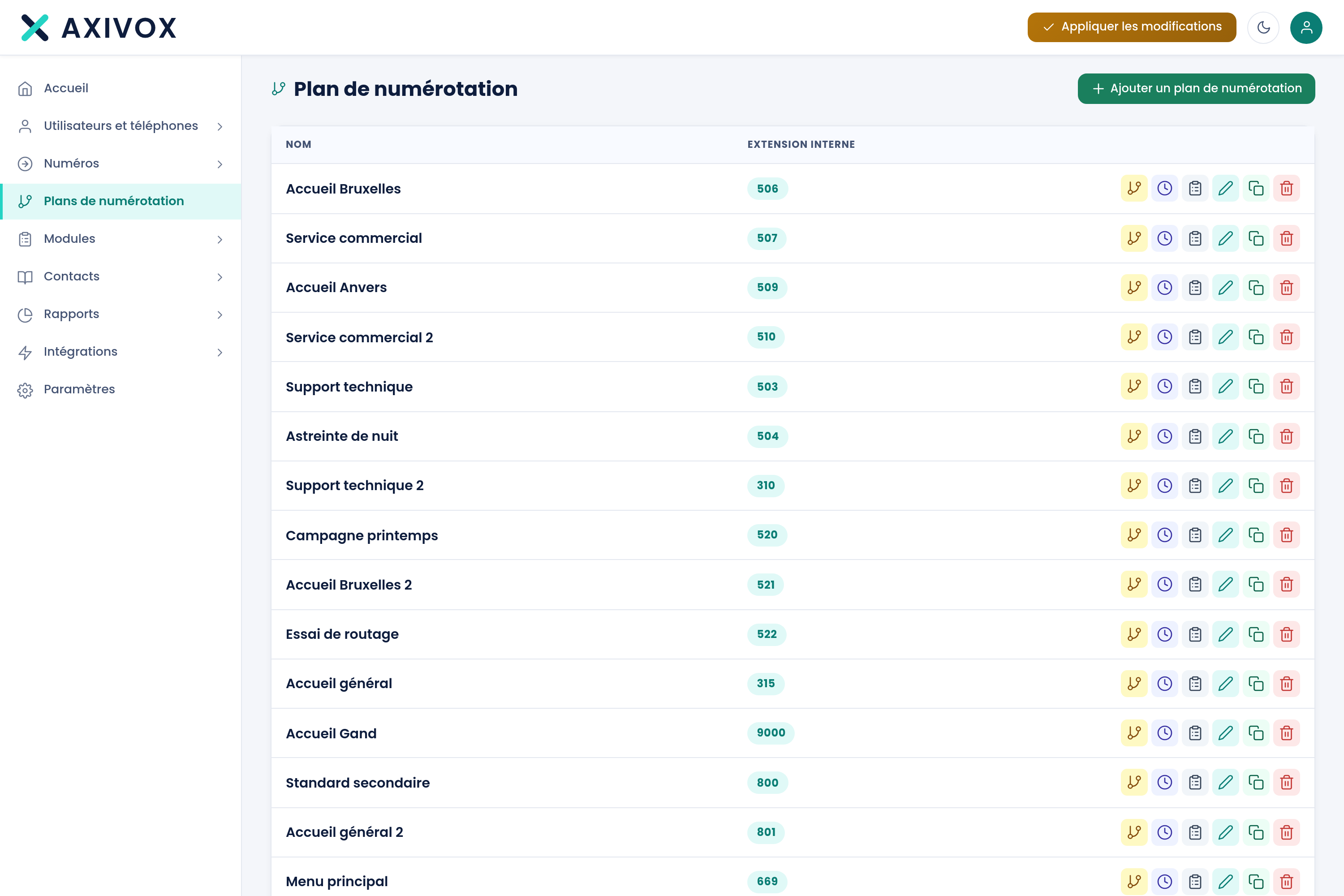
As many plans as you need
A plan is duplicated in one click: you try a variant without touching the one that's live.
- One plan per greeting, per campaign, per branch
- The Debugging module logs the real path of a call
What you'll stop asking your carrier for
One plan serves several numbers
A plan isn't tied to a number: it's named, and several numbers can point to it. You describe your greeting once, and your ten campaign numbers use it.
Hours aren't caught up on by hand
A time condition knows your opening windows, your closing days and your holidays. Nobody has to flip anything on Friday evening, and nobody forgets to switch it back on Monday.
The exception, though, flips with one gesture
An unplanned closure, on-call duty, a move: a Switch module puts the plan on the other branch. Any authorised user flips it from the interface, without touching the diagram.
Understand a specific case, without calling us
A Debugging module dropped into the plan logs the real, timestamped path of the call. When a call took the wrong branch, you see it, instead of guessing.
The user guide documents every module: its fields, its outputs, a worked example and the known pitfalls.
Open the guideOn the same subject
IVR
Build your IVR by drawing it: an announcement, keys, and every choice leads where you want. No ticket, no technician.
Virtual phone system
A hosted business phone system, no cabinet in a closet: extensions, greeting, queues and numbers are set from a browser.
AI voice agent
The VoIP trunk that links your telephony to voice AI platforms, and an agent that greets, qualifies and transfers with context.
Bring your flowchart, even a hand-drawn one.
We turn it into a dial plan in front of you, and you see exactly what your teams will have to manage.