Receptionist mode
Forty presence keys: you see live who is free and who is on a call, department by department.
The telephony Odoo's own teams use themselves.
We've supported Odoo on its telephony for years. Their sales teams use it every day, in Europe, Asia, the Americas and Oceania, and recommend it to their customers.
You call from Odoo two ways: with Odoo's softphone, or with ours. Either way, it's the same Axivox integration that links to your data.
Odoo's official VoIP app. You call, send an e-mail, book a meeting, with nothing else to open besides your Odoo screen.
Our own softphone, available as the “Axivox Softphone for Odoo” app, so inside Odoo too, and standalone on the desktop or in the browser.
Odoo's softphone covers the essentials: calling, seeing the record. Ours adds the moves of a real switchboard extension.
Forty presence keys: you see live who is free and who is on a call, department by department.
You grab the call and drop it onto a colleague, even a call that's still ringing.
One tap moves the call in progress to your mobile, another brings it back to the extension.
To coach an agent: listen without being heard, whisper an answer to them, or join the call.
Your messages listed and transcribed, shared mailboxes included. You read the one that matters, skip the rest.
The number shown adapts to the country you're calling, or you choose it call by call.
No need for a softphone to get the benefit of Odoo. From a record, one click makes your desk phone pick up hands-free and dial the number.
Under both softphones, the same integration links your telephony to Odoo. It recognises the caller, writes to the thread, and lets the dial plan read your data while the phone rings.
The customer's record is open before your colleague has said hello.
A call answered on a landline, forwarded to a mobile, or not picked up at all: it all shows up in Odoo, on the right contact, with the time and the outcome.
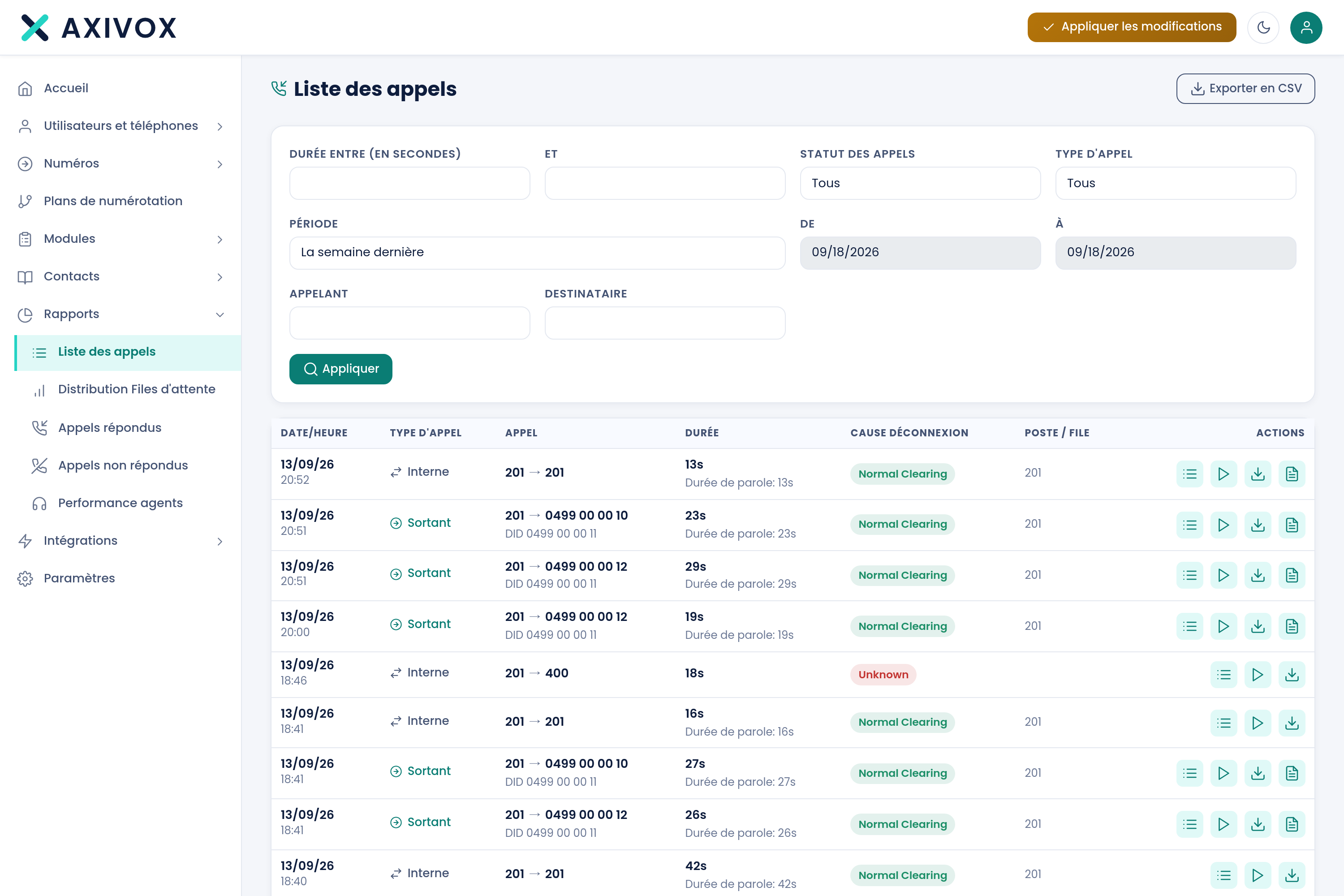
The integration doesn't stop at the CRM. Sales, Support, Invoicing: you open the opportunity, the ticket or the record during the call, and schedule an activity without leaving Odoo.
Lower costs, a stable solution and an intuitive interface: Axivox gives us complete independence.
The setup is the same whatever your Odoo hosting.
The database address and credentials, once, in the interface.
Each extension is matched to its Odoo user.
Contacts, companies, leads: it's your call.
The pop-up works from the next incoming call.
On Odoo 17, 18 and 19, Enterprise and Community editions.
Nothing to install. Both Odoo's softphone and the Axivox softphone work there.
Testing and production kept separate. Both softphones work there too.
The Axivox softphone works there. Odoo's own softphone isn't available on it.
Ten tutorials produced by Odoo: making a call from a record, setting up an extension, following activity.




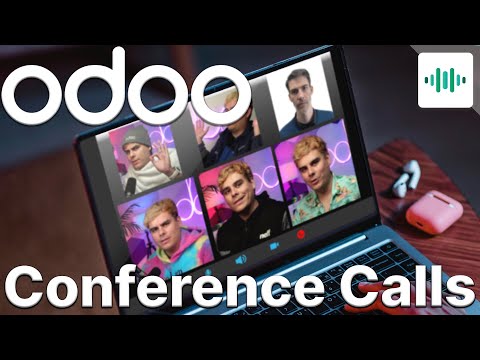
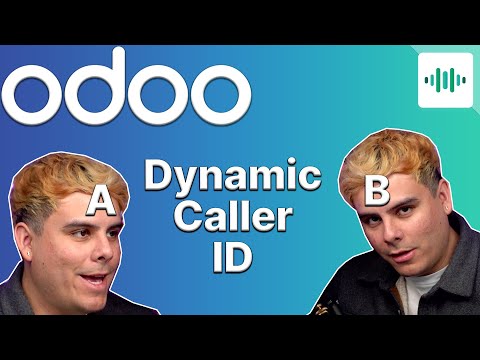
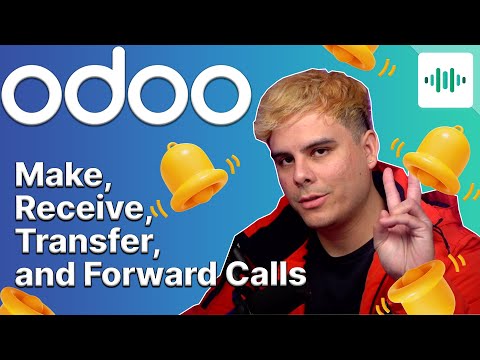
Receptionist mode, CRM actions written into your tool, drag-and-drop transfer, calls taken with you on mobile. Windows, macOS, browser.
A hosted business phone system, no cabinet in a closet: extensions, greeting, queues and numbers are set from a browser.
Build the path of your calls like a flowchart: 26 modules for the greeting, hours, queues and IVR. No line of code.
Seeing the customer's record open before you even pick up sounds like a minor detail. In practice, it's what separates a call you endure from a call you're prepared for.
In a demo, we identify one of your contacts at the ring, live.